AUTODOC personal account: section overview
Your personal account is your interactive hub for managing purchases and vehicle maintenance at AUTODOC. Here, you can track orders, manage your profile, save required spare parts, and enter your payment details.
The account interface is divided into two key sections: a convenient main dashboard (My AUTODOC) for quick summaries and a side menu for detailed profile management.
Main dashboard: My AUTODOC
The main page of your personal account features all essential information, allowing you to manage your shopping experience with a single click. 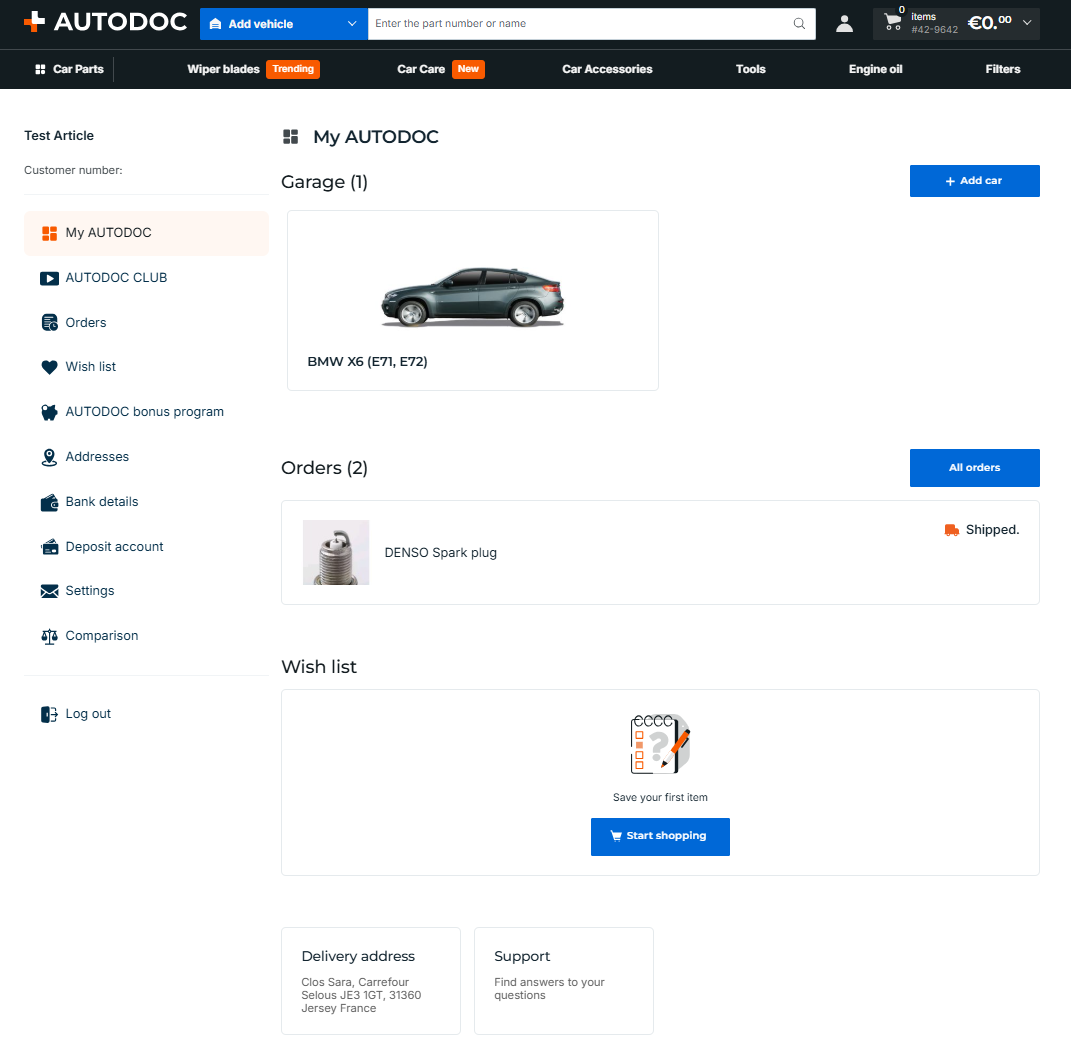
Garage: this section displays your saved vehicles and allows you to instantly add a new vehicle using the Add car button.
Orders: this section shows the status of your current orders (e.g., 'Shipped') and specific items within the order. The All orders button directs you to your full purchase history.
Wish list: quick access to items you have saved for later. If the list is empty, you will see a prompt to start shopping (Go to catalogue).
Coupons: the list of active discount coupons and promo codes ready to be applied.
Delivery address: your primary address for quick order deliveries.
Support: a quick link to the Help Centre where you can find answers to your questions or contact customer support.
Side menu sections
The side menu provides quick navigation to the specialised sections of your profile:
AUTODOC CLUB
Your guide to DIY car maintenance. Here, you can find professional tips, car owner reports, and a convenient maintenance log to keep track of your vehicle's service history.
Orders
A complete archive of your purchases. Track the status of active shipments, view details of past orders, reorder items, or process returns. 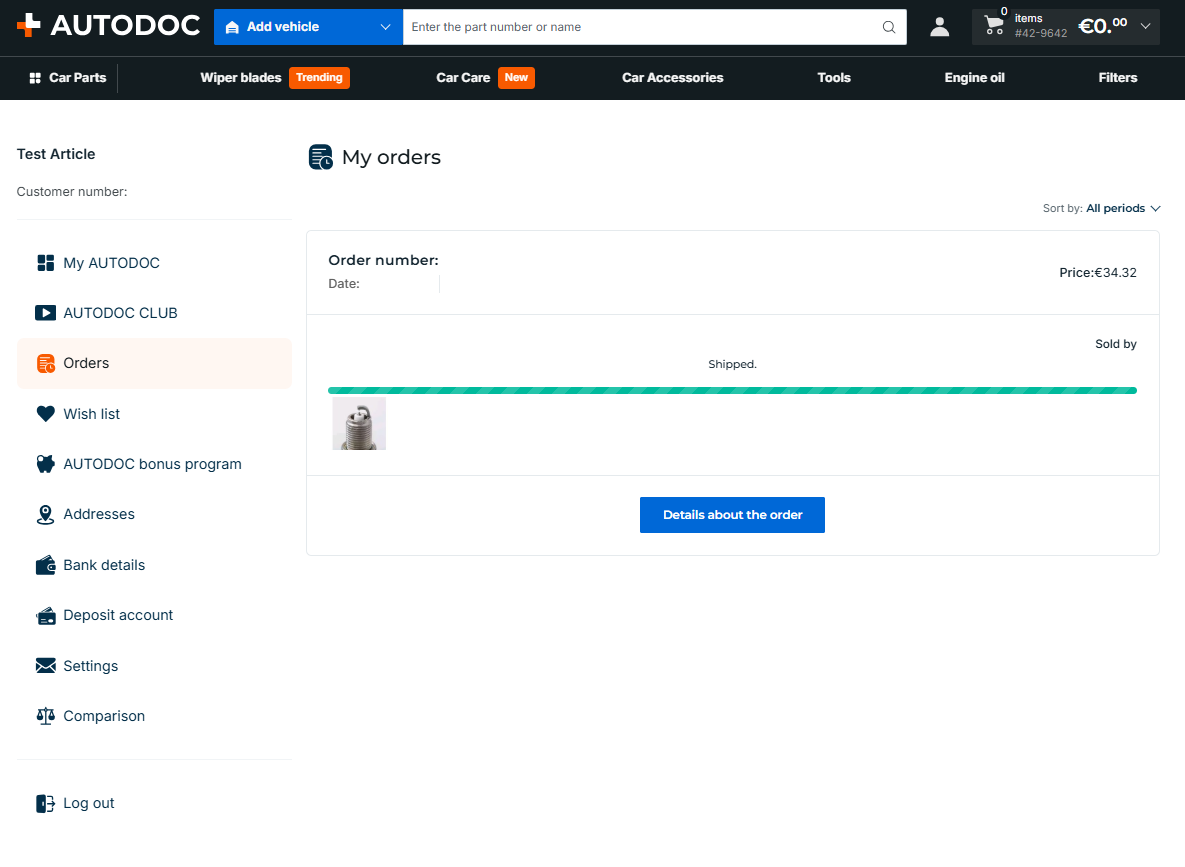
Editing items in an order
If you wish to edit your current order you should contact our customer support team by clicking here. If your parcel has already been prepared or dispatched, customer support will not be able to make any changes to your order. You have a limited time to make changes to an order after you place it.
Please note that you can change details of an order up until it has been assigned the status "The order has been picked up by the courier".
Wish list
A repository for all items you have saved for the future. You can move them to the shopping basket at any time to complete your purchase. 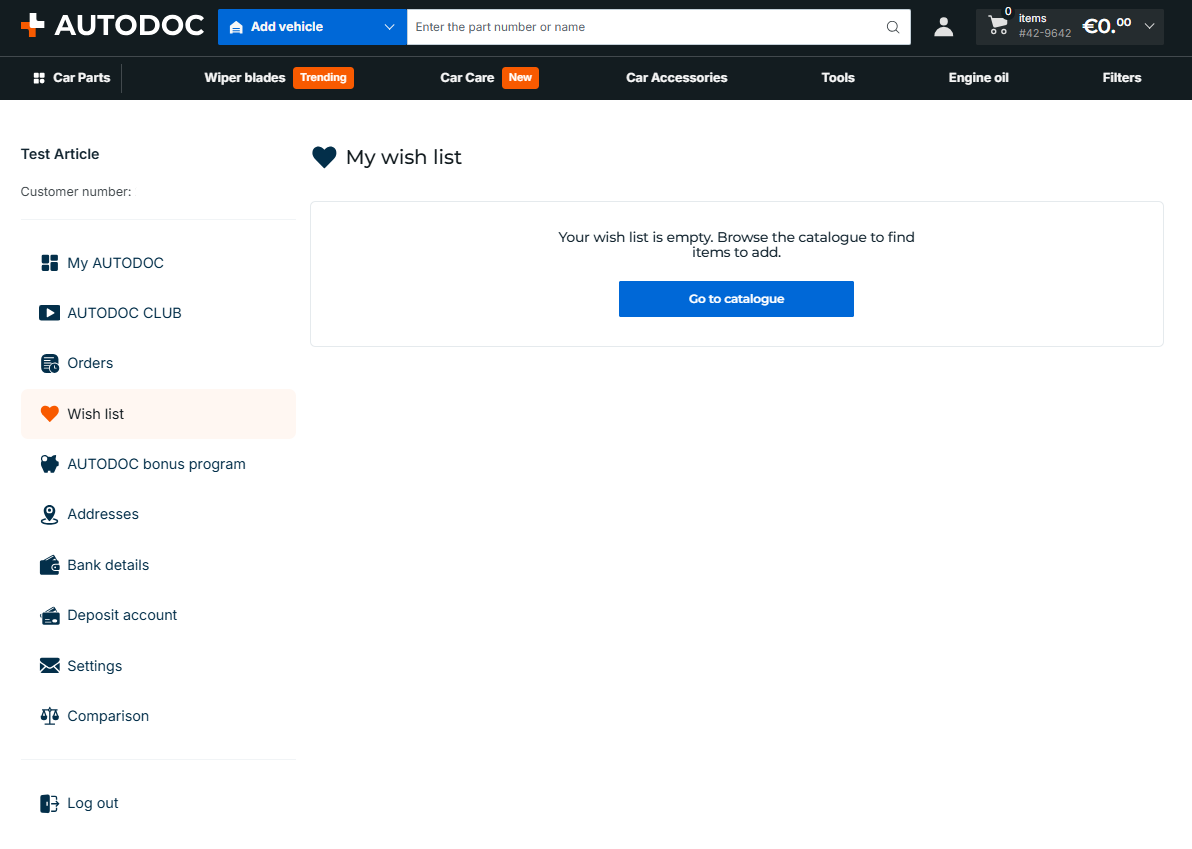
AUTODOC bonus programme
Your bonus account. It displays your balance of accumulated bonus points, which you can use to partially pay for future orders. Get more information here. 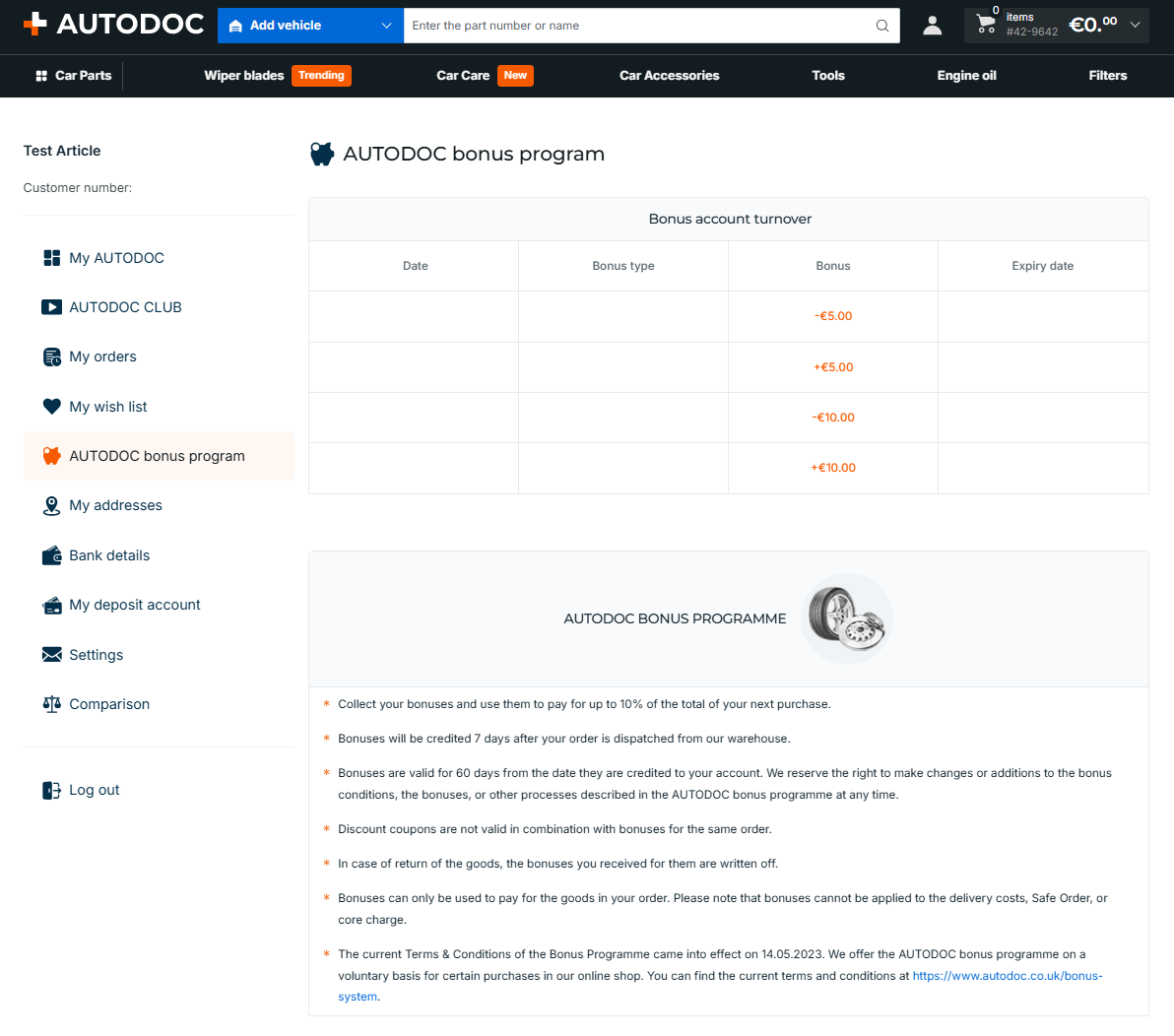
Addresses
A section to manage your delivery and billing addresses. You can save multiple addresses (e.g., your home, workplace, or preferred garage) and select the required one at the checkout. 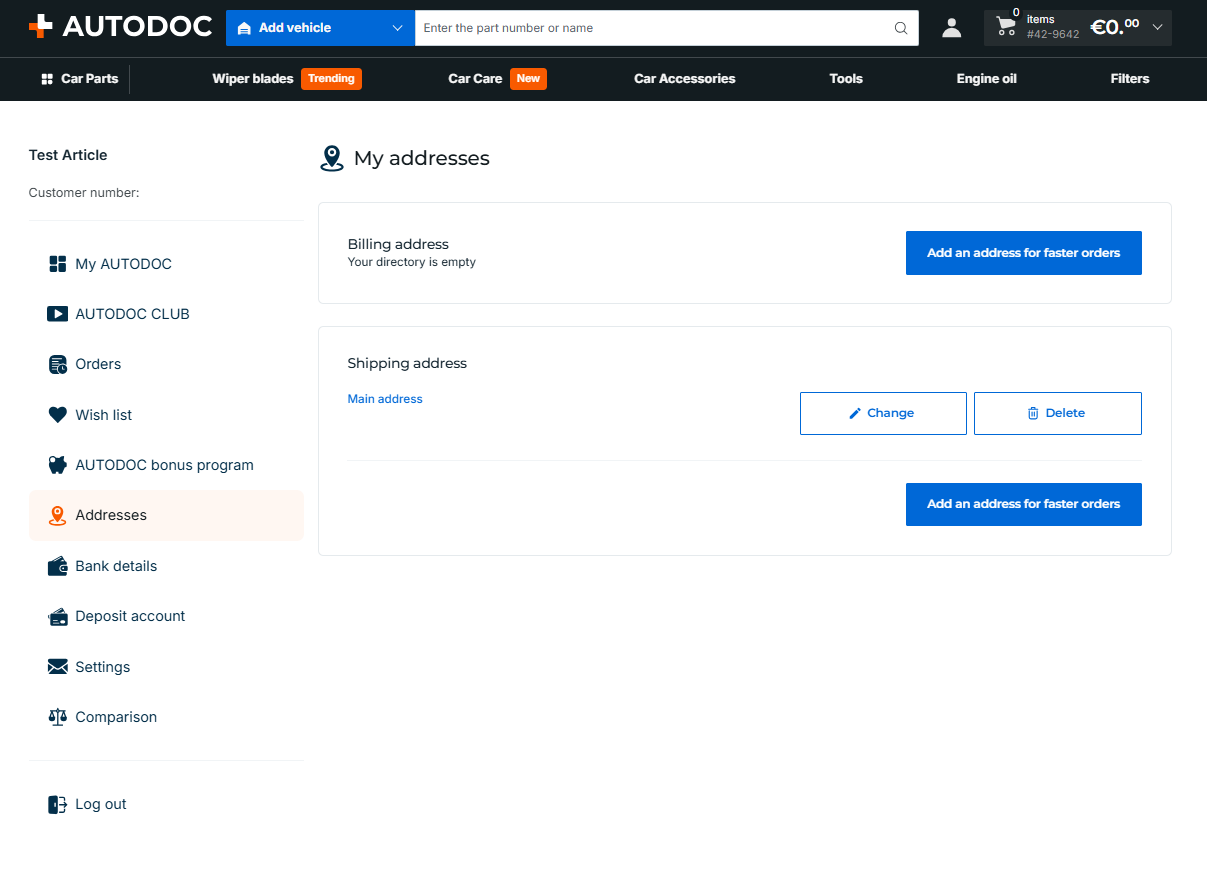
Note that the last address added by you is automatically added to your basket when you check out. You do not have to enter it manually.
Bank details
Secure management of your payment cards and saved bank details for a quick and convenient one-click order placement. 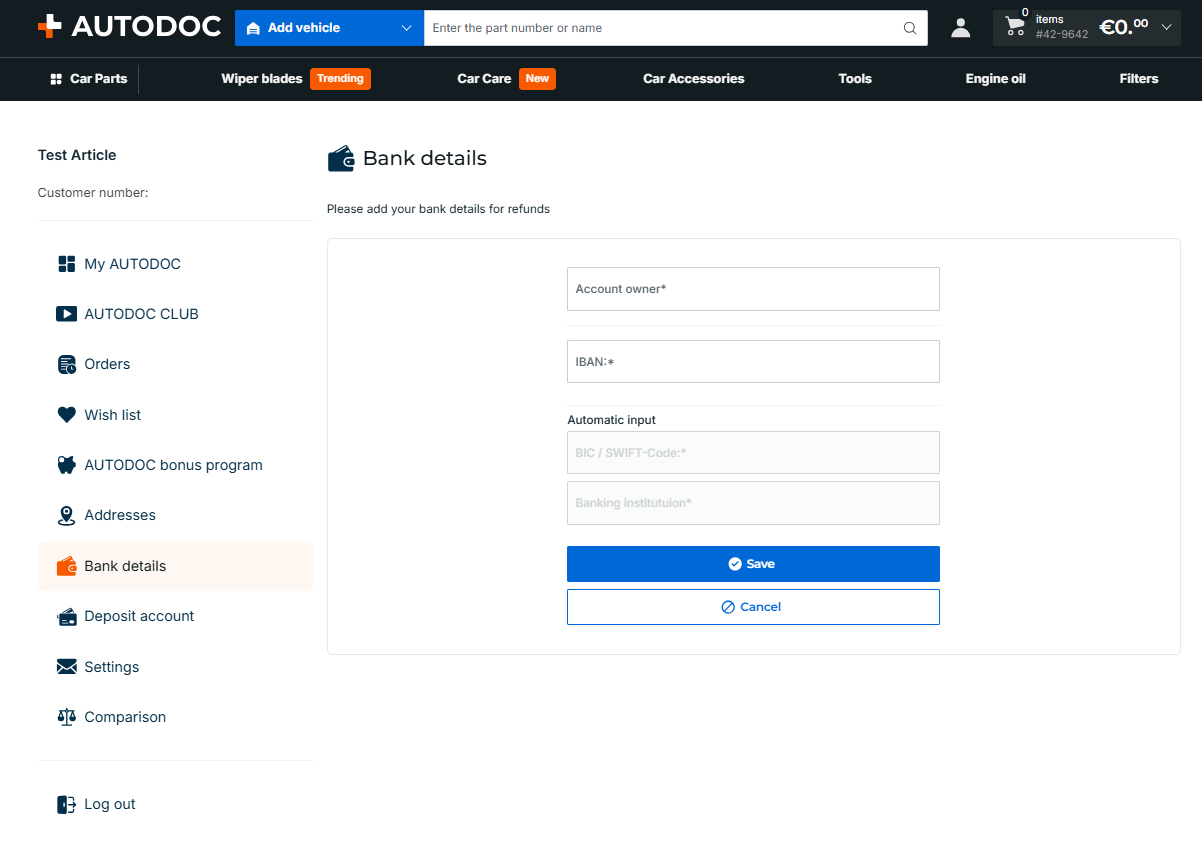
Deposit account
Your in-store credit balance at AUTODOC. Funds can be credited here (e.g. after returning a product) and used to pay for subsequent orders. 
Settings
The section where you can change your password. 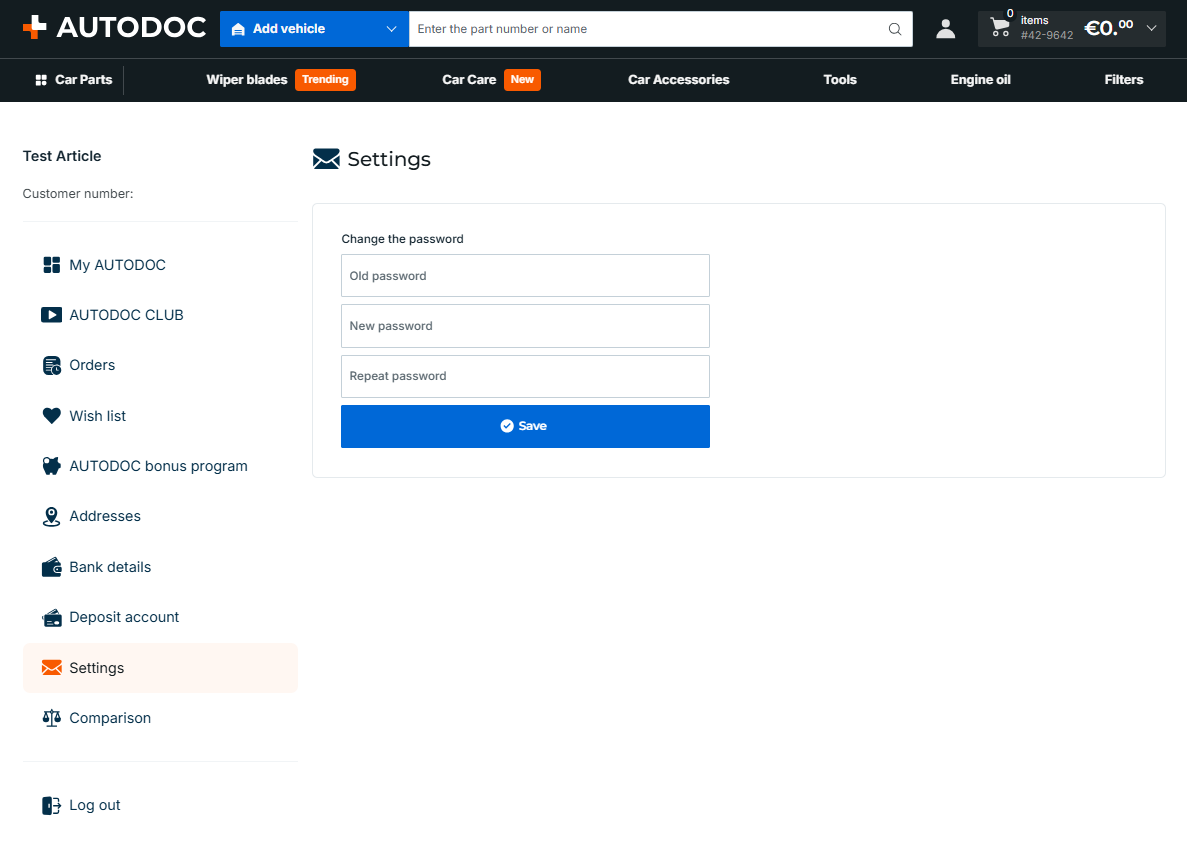
Editing personal data
You can modify any personal data and addresses in your personal account. The changes you make will only be displayed in future orders. If you have already placed an order, any changes you made in your personal account will not be applied to it.
Comparison
A tool to compare the technical specifications and prices of multiple similar spare parts. It helps you make the right choice between different brands. 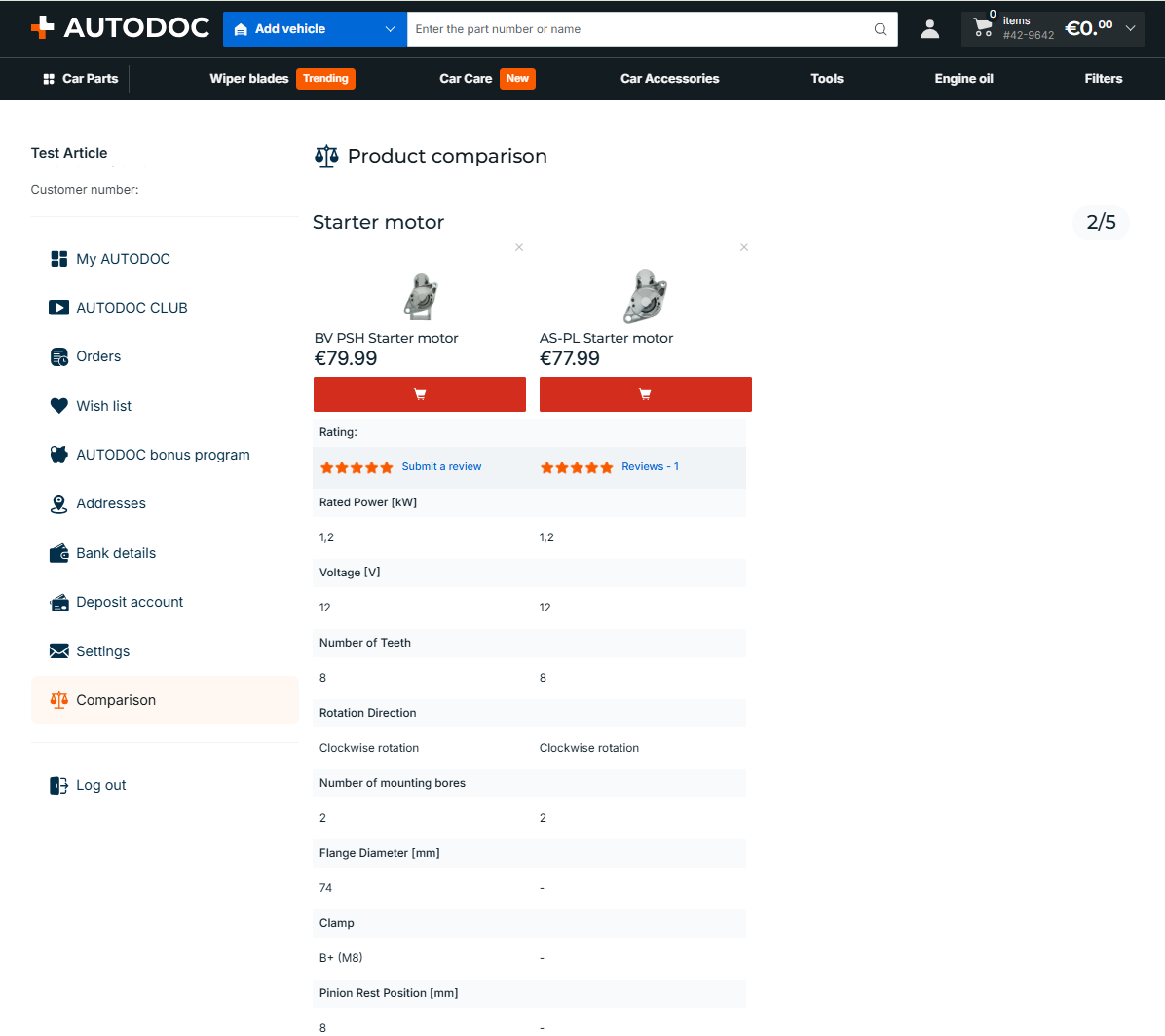
Log out
Securely log out of your account on the current device.
